
Votre panier est vide !


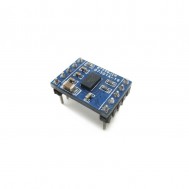





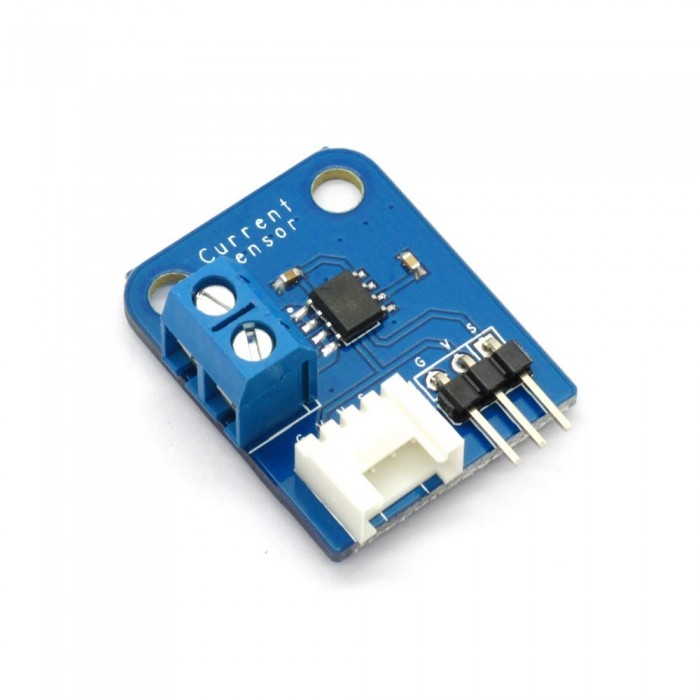
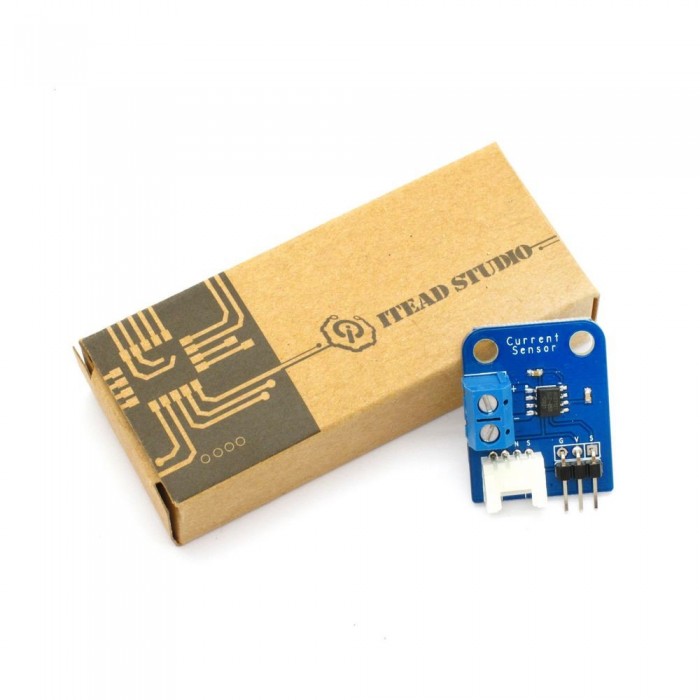
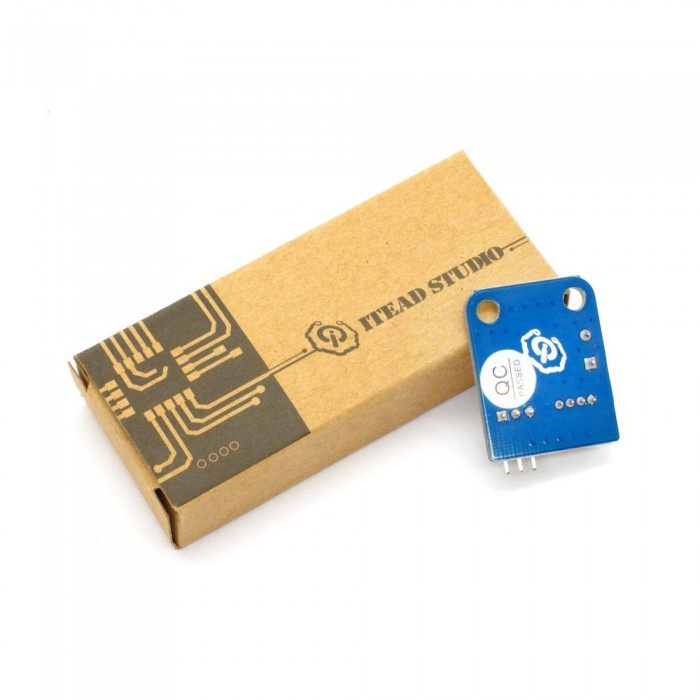
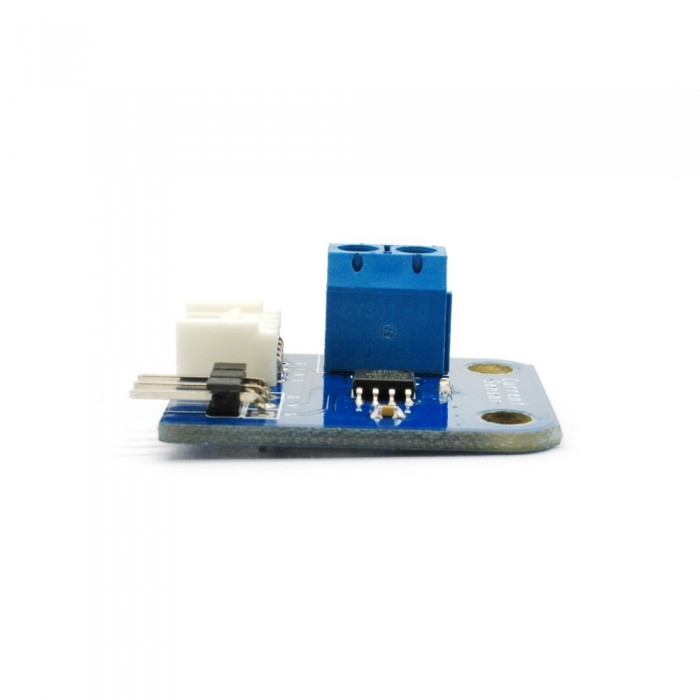
Capteur de Courant ACS712
Prix :
1.500,00DA
H.T : 1.500,00DA
| Modèle : | DZD000100 |
| Fabricant : | IteadStudio |
| Disponibilité : | 10 |
| N° de visites: | 1624 |

Electronic brick of current sensor is based on ACS712 sensor, which can accurately detect AC or DC signals. The maximum AC or DC that can be detected can reach 5A, and the present current signal can be read via analog I / O port.
Caracteristique
Une. Plug and play, facile à utiliser. Compatible avec les interfaces 2,54 ordinaires et 4-Pin interfaces Grove dans le marché.

2. Avec l'utilisation de trous fixes standard M4, compatibles avec les kits M4 standard tels que Lego et Makeblock.

3. Bornes à vis pour faciliter le câblage et l'élimination.

Caractéristiques
| PCB size | 30.0mm X 24.0mm X 1.6mm |
| Working voltage | 5V |
| Input current type | AC or DC |
| Compatible interfaces | 2.54 3-pin interface and 4-pin Grove interface(1) |
| Wiring interface | Power terminal(2) |
Note 1: S pour le port de sortie analogique, V et U de la tension au niveau du collecteur et un terrain d'entente respectivement
Note 2: "+" pour le port d'entrée de courant "-" pour le port de sortie courant
Caractéristiques électriques
| Parameter | Min. | Typical | Max. | Unit |
| Supply voltage | 4.5 | 5 | 5.5 | VDC |
| Working current(VCC=5V) | - | 10 | 13 | mA |
| Output impedance RLOAD(VIOUT to GND) | 4.7 | - | - | KΩ |
| Bandwidth(1) | - | 34 | - | Hz |
| Input current range | -5 | - | 5 | A |
| Sensitivity | 180 | 185 | 190 | mV/A |
Note 1: After removing C1, bandwidth can reach 80kHz

Relation entre la tension de sortie et le courant induit
DEMO
Connectez le port de S de briques électroniques de capteur de courant au port A0 de carte Arduino, et nous allons utiliser le programme suivant pour lire la valeur analogique et l'envoyer à l'ordinateur pour l'affichage via le port série.
|
1
2
3
4
5
6
7
8
9
10
11
12
13
14
15
16
17
18
19
20
21
22
23
24
25
26
27
28
29
30
31
32
33
34
35
36
37
38
39
40
41
42
43
44
45
46
47
|
#define CURRENT_SENSOR A0 // Analog input pin that sensor is attached tofloat amplitude_current; //amplitude currentfloat effective_value; //effective current void setup() {Serial.begin(9600); pins_init();}void loop() {int sensor_max;sensor_max = getMaxValue();Serial.print("sensor_max = ");Serial.println(sensor_max);//the VCC on the Grove interface of the sensor is 5vamplitude_current=(float)(sensor_max-512)/1024*5/185*1000000;effective_value=amplitude_current/1.414;//minimum_current=1/1024*5/185*1000000/1.414=18.7(mA)//Only for sinusoidal alternating currentSerial.println("The amplitude of the current is(in mA)");Serial.println(amplitude_current,1);//Only one number after the decimal pointSerial.println("The effective value of the current is(in mA)");Serial.println(effective_value,1);}void pins_init(){pinMode(CURRENT_SENSOR, INPUT);}/*Function: Sample for 1000ms and get the maximum value from the S pin*/int getMaxValue(){int sensorValue; //value read from the sensorint sensorMax = 0;uint32_t start_time = millis();while((millis()-start_time) < 1000)//sample for 1000ms{sensorValue = analogRead(CURRENT_SENSOR);if (sensorValue > sensorMax) {/*record the maximum sensor value*/sensorMax = sensorValue;}}return sensorMax;} |
Revision record
| Version | Description | Date | Written by |
| v1.0 | Initial edition | 17th, April, 2013 | Stan Lee |
| Brick Type | Sensor Brick |
|---|---|
| Brick Interface | 3PIN |
| Brick Power Supply | 5V |
| Board Size | 30 × 24 × 1.6mm |
| LED Color | No |
| Weight | 20.00g |
Écrire un avis
Votre nom :Votre avis : Note : Le HTML n’est pas pris en charge !
Évaluation : Mauvais Bon
Saisir le code ci-dessous :
Service client
horaire d'ouverture
Nous contacter
- +213 540 265 592
- +213 45 366 373
- +213 540 265 592
- contact@dzduino.com
- Cité 122 Logements, Bloc A3, N°14 Chemouma - Mostaganem (En Construction‬â€)
Dzduino Retail Store


Dzduino Electronics © 2013-2015. All Rights Reserved
Le produit est en rupture de stock. Entrez votre adresse email ci-dessous et nous vous informerons des que le produit sera disponible.
