
Votre panier est vide !















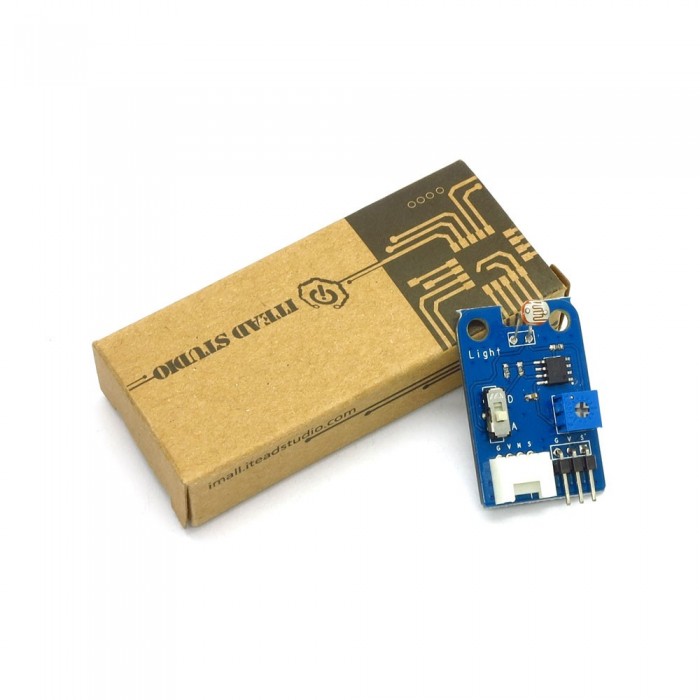
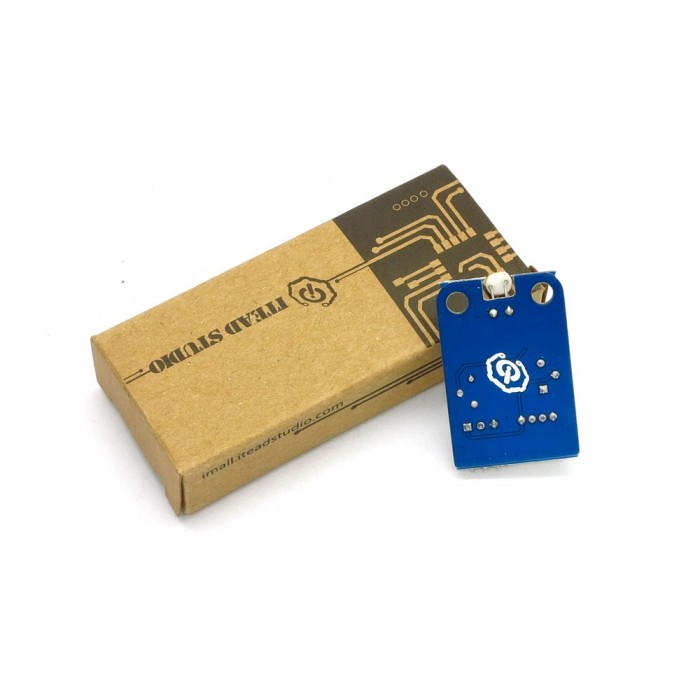
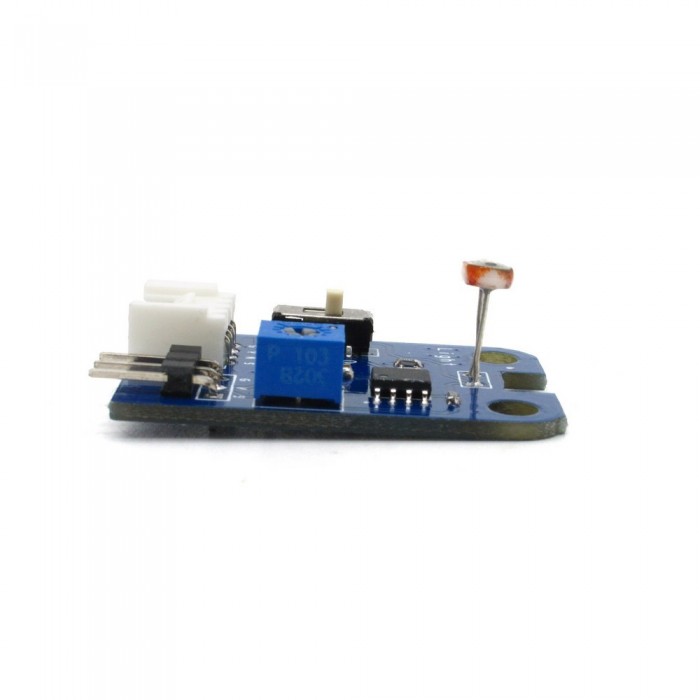
Light Sensor Brick
Prix :
800,00DA
H.T : 800,00DA
| Modèle : | DZD000095 |
| Fabricant : | IteadStudio |
| Disponibilité : | 10 |
| N° de visites: | 862 |

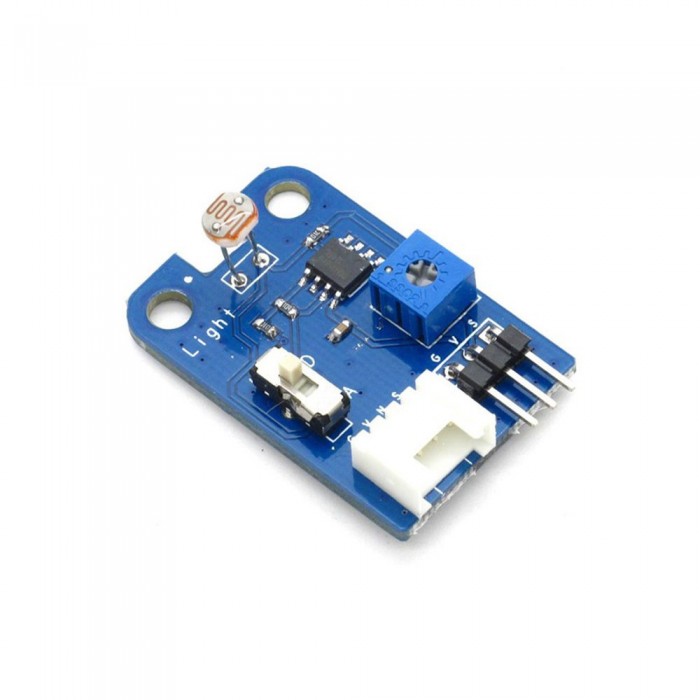
Electronic brick of light sensor is mainly used to detect the light intensity in the environment. The control board can get the current light intensity information via analog pins. Generally speaking, the resistance of photoresistor decreases with the increase of the light intensity.
What is an electronic brick? An electronic brick is an electronic module which can be assembled like Lego bricks simply by plugging in and pulling out. Compared to traditional universal boards and circuit modules assembled with various electronic components, electronic brick has standardized interfaces, plug and play, simplifying construction of prototype circuit on one’s own. There are many types of electronic bricks, and we provide more than twenty types with different functions including buttons, sensors, Bluetooth modules, etc, whose functions cover from sensor to motor drive, from Ethernet to wireless communication via Bluetooth, and so on. We will continue to add more types to meet the various needs of different projects

Features
1. Plug and play, easy to use. Compatible with the mainstream 2.54 interfaces and 4-Pin Grove interfaces in the market.

2. With use of M4 standard fixed holes, compatible with M4-standard kits such as Lego and Makeblock.

3. With switch to shift between analog and digital output. Able to read the specific light intensity information (analog) or the over-bright or over-dark information according to the threshold (digital). The adjustable potentiometer is used to set the light intensity threshold. With hysteresis comparator circuit for more stable digital output voltage.

4. Detecting direction can be rotated for better adaption

Specifications
| PCB size | 36.0mm X 24.0mm X 1.6mm |
| Working voltage | 3.3 or 5V DC |
| Operating voltage | 3.3 or 5V DC |
| Compatible interfaces | 2.54 3-pin interface and 4-pin Grove interface(1) |
Note 1: D for digital output port, A for analog output port, S for analog/digital output port ( defined according to the switch), V and G for voltage at the common collector and ground respectively
Note 2: When setting as analog output, output range is 0-3.3V or 0-5V according to the working voltage (V,G); when setting as digital output, output is 0/3.3V or 0/5V according to the working voltage (V,G).
Electrical characteristics
| Parameter | Min. | Typical | Max. | Unit |
| Working voltage | 2.1 | 5 | 5.5 | VDC |
| Analog output voltage(VCC=5V) | 0 | Vout | 5 | V |
| Digital output voltage(VCC=5V) | 0 | - | 5 | V |
| Working current(VCC=5V) | - | 5 | - | mA |
| Photoresistor(light intensity is 10lux) | 5 | - | 10 | kohm |
| Threshold hysteresis ΔUth | - | VCC*0.09 | - | V |

Hardware

Switch and indicator
1. Regulating of threshold voltage:
The threshold voltage is a voltage for comparison. When the light intensity value read by the sensor is above the threshold value, a low level (0V) will be digitally output; when the light intensity value read by the sensor is below the threshold value, a high level (3.3V or 5V) will be digitally output. In this way, the digital pin can be used directly to read the current light intensity value in the environment to see if it is above the threshold or not. The threshold voltage can be regulated by simply twisting the potentiometer which is shown in Figure 1, and it increases by rotating to left side and decreases by rotating to right side.

2. Switch to shift between analog and digital output
For S pin in 4-pin Grove interface and 2.54mm 3-pin interface, it outputs analog signals when switch is pushed to A terminal and digital signals when pushed to D terminal. When there is analog signal output, it can read the specific light intensity value; when there is digital signal output, it can only indicate whether the light intensity value is above threshold value or not.
DEMO
1. Push the snap switch of sensor to analog output, connect S port to A0 port of Arduino board, and we will use the following program to read the analog value of light intensity and send it to computer for display via the serial port.
|
1
2
3
4
5
6
7
8
9
10
|
int ASignal = A0;void setup() { Serial.begin(9600);}void loop() { int sensorValue = analogRead(ASignal); Serial.println(voltage);} |
2. Push the snap switch of sensor to digital output, connect S port to D2 port of Arduino board, and we will use the following program to read the digital value of light intensity and send the threshold to computer for display .
|
1
2
3
4
5
6
7
8
9
10
11
12
13
|
int DSIGNAL = D2;void setup() { Serial.begin(9600); pinMode(DSIGNAL, INPUT);}void loop() { int DsignalState = digitalRead(DSIGNAL); Serial.println(DsignalState); delay(100); } |
| Brick Type | Sensor Brick |
|---|---|
| Brick Interface | 3PIN |
| Brick Power Supply | 5V |
| Board Size | 36 × 24 × 1.6mm |
| LED Color | No |
| Weight | 20.00g |
| Model | IM120710017 |
Écrire un avis
Votre nom :Votre avis : Note : Le HTML n’est pas pris en charge !
Évaluation : Mauvais Bon
Saisir le code ci-dessous :
Service client
horaire d'ouverture
Nous contacter
- +213 540 265 592
- +213 45 366 373
- +213 540 265 592
- contact@dzduino.com
- Cité 122 Logements, Bloc A3, N°14 Chemouma - Mostaganem (En Construction‬â€)
Dzduino Retail Store


Dzduino Electronics © 2013-2015. All Rights Reserved
Le produit est en rupture de stock. Entrez votre adresse email ci-dessous et nous vous informerons des que le produit sera disponible.
